
Case Study · Website Intelligence Platform
Visualz WebScan — Behind the Build
Building smarter tools for understanding website performance.
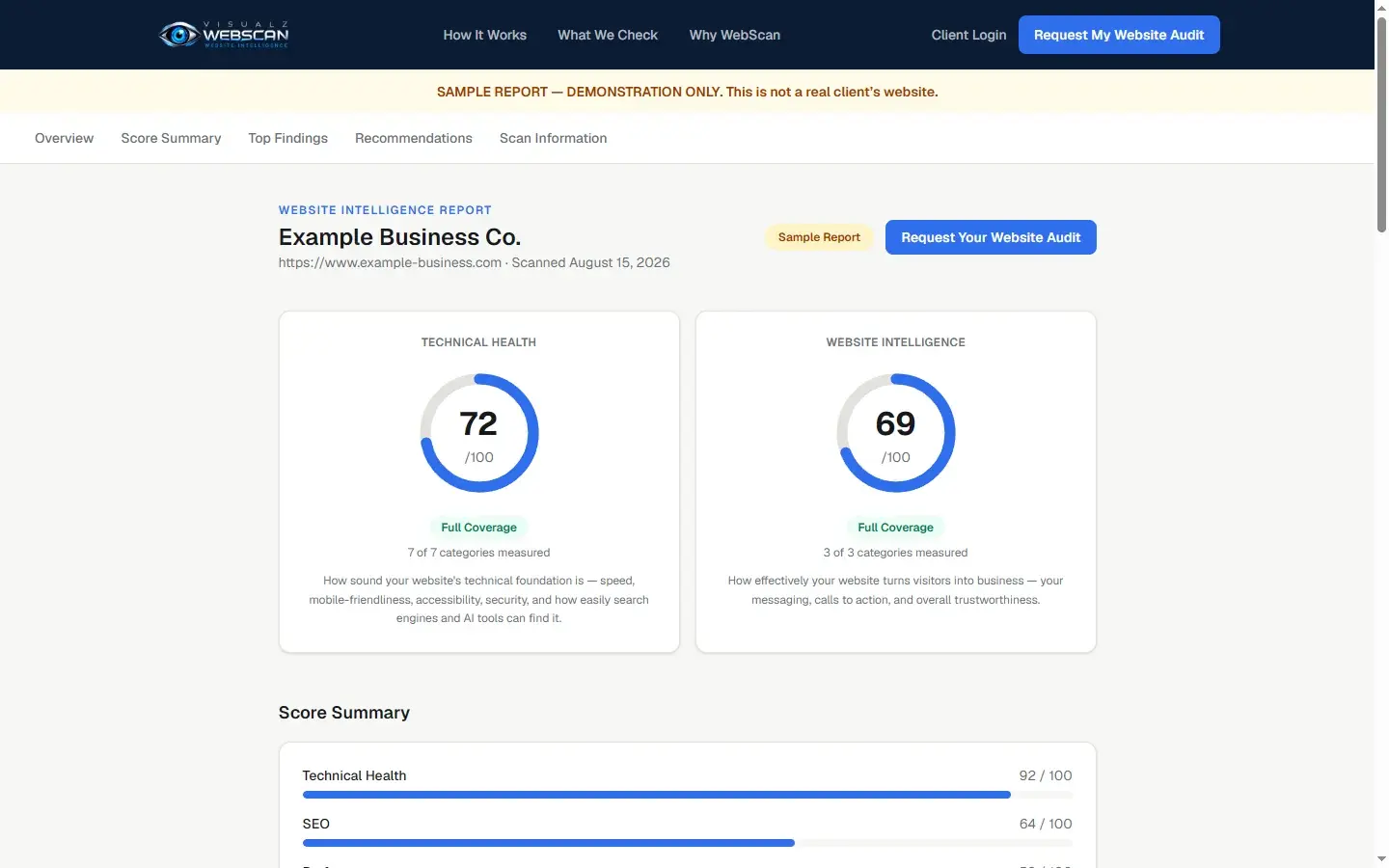
- 10Analysis categories in a full scan
- 2Separate scores: Technical Health and Website Intelligence
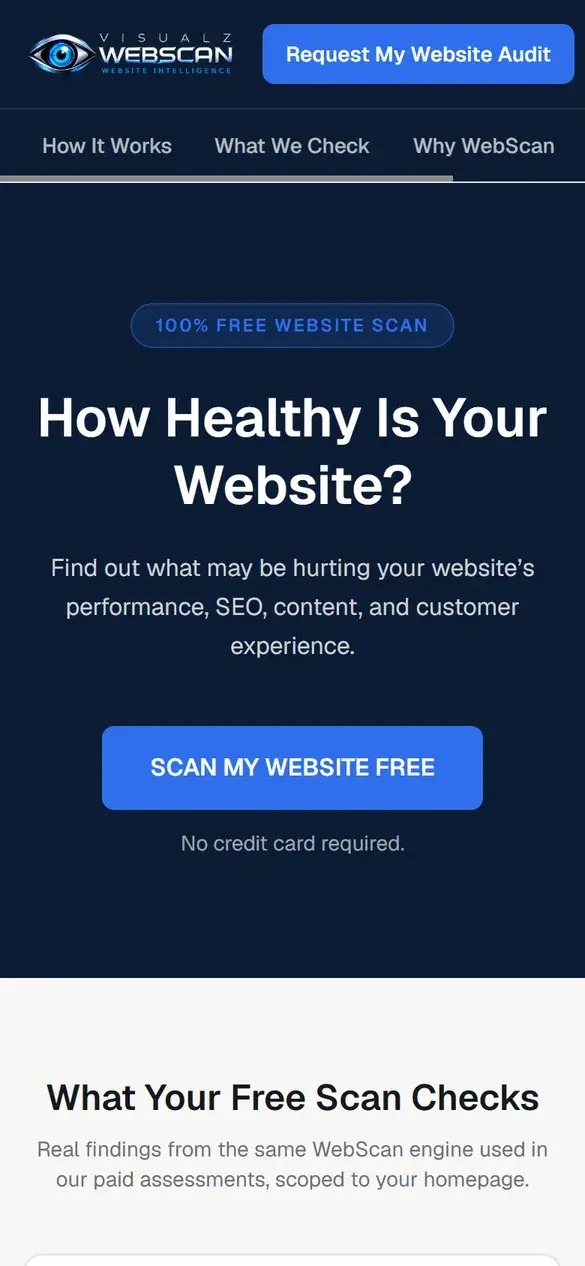
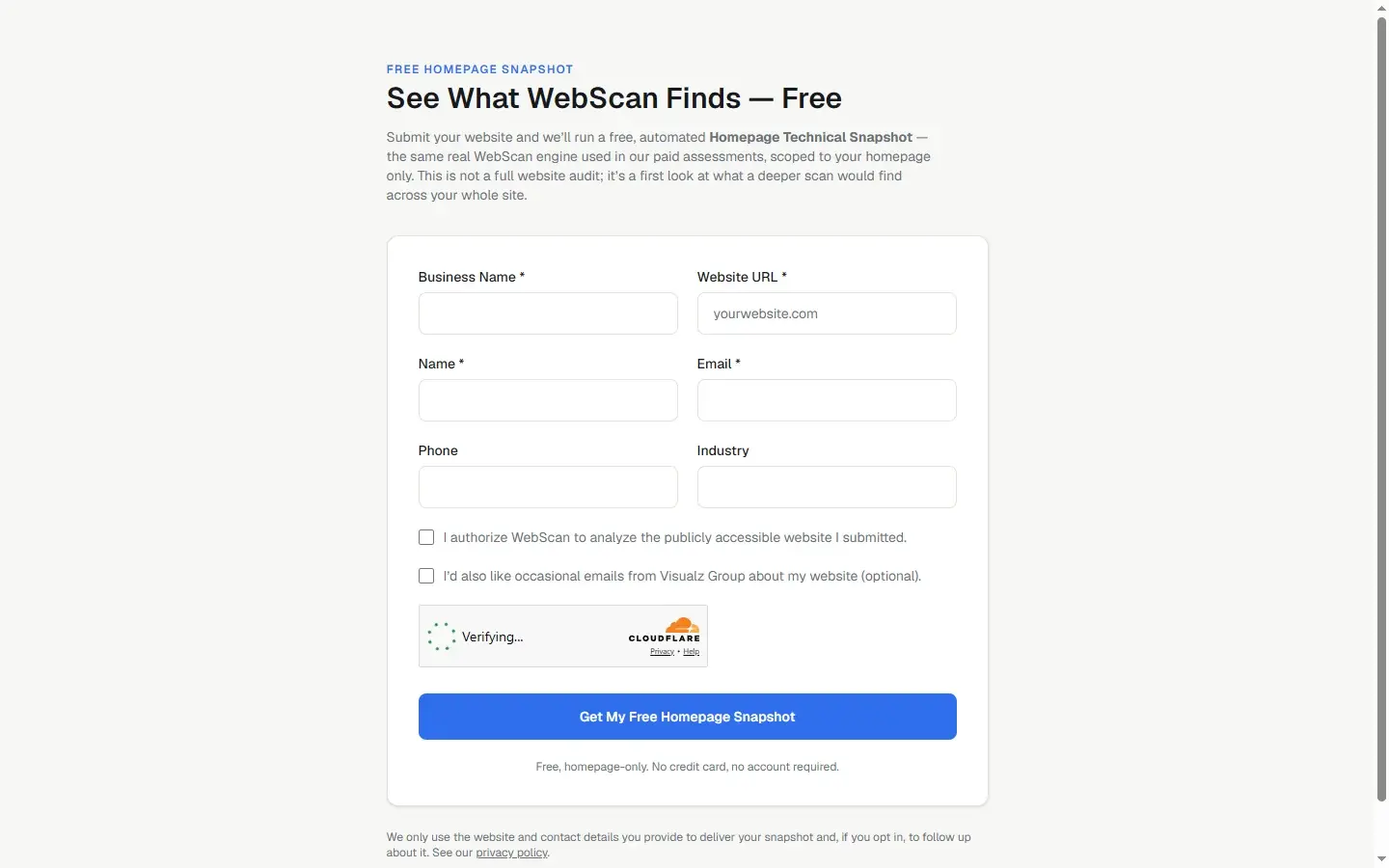
- FreeAutomated homepage snapshot, no account required
Website Reports Owners Can Actually Use
Most website audits produce a score and a long technical list. Business owners need to know what matters, why, and what to do first.
A score is not a plan
A website score on its own does not tell a business owner what to do next, or what deserves attention first.
Tools disagree
Audit tools test different pages and categories with different weights, so one platform’s score can’t be compared point for point with another’s.
Technical reports are hard to act on
Owners need to know what was found, where, why it may matter and how hard it is to fix, in plain business language.
What Visualz WebScan Does
WebScan analyzes a website and turns the results into findings written in business terms. For full audits, the Visualz team decides when a report is released to the client.
For businesses
- Free, fully automated Homepage Technical Snapshot: homepage only, no credit card or account
- Request a full website audit
- Full audit reports reach a client only after the Visualz team publishes them
- A public sample report showing the report format
- Client sign-in for published reports
Inside the platform
- A crawler that follows each site’s robots.txt rules, within page-count, depth and duration limits
- Ten analysis categories, combining WebScan’s own checks, Google Lighthouse audits for performance and accessibility, and AI-assisted review of content, conversion and customer experience
- Mobile, security and AI search readiness scores built from WebScan’s own selection of individual Lighthouse checks, such as whether a site publishes an llms.txt file
- Findings in business terms: each one names a business area and difficulty, with an estimated repair time
- Desktop and mobile screenshots of each scan’s homepage
- Ask Your Website: questions answered from a scan’s own data
- An Opportunity Engine and a printable report that trace every recommendation to a real finding
The ten analysis categories
Technical Health
Broken pages, server errors and other issues that get in a visitor’s way.
SEO
Whether search engines can understand and fairly represent your pages.
Performance
How quickly the site loads and responds for a real visitor.
Accessibility
Whether people using screen readers or assistive tools can use the site.
Mobile
How the site holds up on phone screens.
Security
Baseline security practices visitors and browsers expect.
AI Search Readiness
How well AI-powered search and assistants can understand the site.
Content
Whether the writing is clear, credible and useful.
Conversion
Whether a page guides visitors toward contacting or buying.
Customer Experience
Whether a first-time visitor comes away trusting the business.
From Submission to Next Steps
Step through a WebScan report using the fictional business from WebScan's own public sample report.
How WebScan Came Together
Select a milestone. Dates come from the project's commit history in 2026.
Foundations
Project started: team sign-in, organization setup and the crawler foundation.
Design decisions and what we learned
Two scores, not one
Technical Health and Website Intelligence are reported separately, because a site can be strong in one and weak in the other; averaging them would hide that.
Show coverage honestly
Each score shows how many categories were actually measured. When a check can’t run, the report says the coverage is limited instead of quietly dropping it.
Findings in business terms
Every finding names the business area, the difficulty and an estimated repair time, so owners can decide what to fix first.
People decide what clients see
A full audit report reaches a client only after the Visualz team publishes it. The free homepage snapshot is fully automated.
Build the engine once
The same engine powers the team’s internal audits and the public free snapshot, which is scoped to the homepage.
Measurements apart from estimates
Scores and findings come from real checks of the site. Repair times are labeled as estimates, and every recommendation traces back to a real finding.
Technology
Next.js & React
The web application and public pages.
Google Lighthouse
Performance and accessibility audits, plus individual checks WebScan groups into its mobile, security and AI search readiness scores.
Playwright
Desktop and mobile screenshots.
Anthropic Claude
Content and customer-experience analysis, and Ask Your Website.
Trigger.dev
Scans run as background jobs, so a submission returns right away.
Supabase
Sign-in, the database and private screenshot storage.
How a Business Might Use It
Before a redesign
See which technical, content and conversion issues a new site should solve.
Prioritizing fixes
Start with the critical findings and the quick wins instead of a long, unsorted list.
Preparing for AI search
Check how well AI-powered search and assistants can read the site.
Sharing with a team
Hand a plain-language report to the people who will make the changes.
Have a Business Technology Idea?
We design and build custom software, websites and AI tools around the way your business works.
Discuss Your Project